
Blog Collect US payments easily: B2B Automatic Payments in ezyCollect
Collect US payments easily: B2B Automatic Payments in ezyCollect
Introducing ezyCollect's latest feature for US businesses : Automatic Payments – allows you to seamlessly collect payments from...

In the US, a customer authorises Automatic Payments, the local term for direct debit, once: by email link from your ezyCollect account, or while paying through the online portal. They choose a credit card or an ACH bank account. That authorisation covers Collect Now, Auto-Collect, scheduled payments and payment plans, with each payment allocated to its invoice in the ERP.
Maintaining a stable cash flow is essential for your business, particularly in times of economic uncertainty.
ezyCollect’s latest feature, Automatic Payments, lets you collect payments automatically, for a consistent and predictable cash inflow to your business.
What are Automatic Payments?
Automatic Payment is another term for direct debit when it comes to US transactions. It involves automatically withdrawing funds from your customer’s accounts to collect their payments for invoices or recurring commitments such as subscriptions.
This streamlined approach ensures timely payments, reduces the risk of missed deadlines, and guarantees a consistent cash flow for your business.
How does it work in ezyCollect?
Customers grant authorisation for your business to automatically withdraw funds from their credit cards or bank accounts when an invoice is due or when a sales order is generated (for select ERPs). This eliminates the need for manual follow-ups with each payment.

Here’s how to get started:
To begin using Automatic Payments in ezyCollect, ensure you have ezyCollect Payments (along with the relevant credit card and ACH service provider) enabled in your account.
- Send your customer an email request for Automatic Payments from your ezyCollect account.
- Your customer can also provide authority when they make a payment through the online payment portal.
- The customer fills out the Automatic Payments form linked to the email.
- After the customer submits the form, AutoPay is now set up.
- You and your customers will receive a copy of the Automatic Payment Authorisation.

Benefits of Automatic Payments in ezyCollect
Automatic Payments save your customers a step every time an invoice falls due, and set you up for a reliable cash flow. And in ezyCollect, you also get to enjoy these additional benefits:
1. Provide payment methods that suit your client’s needs
Allow your customers to choose between credit cards or ACH for Automatic Payments. With ACH transactions, customers can instantly verify their accounts or manually verify through microdeposits. This flexibility allows them to select the method that suits their preferences, simplifying the authorisation process for your business.
2. Versatility in ezyCollect functionalities
Use Automatic Payment Authorisation across these ezyCollect functionalities:
- Collect Now: Collect payments from your customers’ bank accounts
- Auto Collect: Automatically collect payments from customers’ bank accounts based on set rules/ schedules
- Scheduled Payments: Set up automatic payment collections on a predetermined schedule.
- Collect Now On-Demand: Collect one-off payments from customers over a call.
3. Apply to customised Payment Plans
By providing automatic payments, you give your customers the advantage of choosing flexible payment options. You can use the acquired authorisation to set up convenient Payment Plans that align with your business requirements, offering customers the convenience of instalments or subscription-based plans tailored to their preferences.
4. Automated payment allocation
Collected payments are automatically allocated to corresponding invoices in your ERP. This saves time and reduces the chances of manual allocation errors, ensuring accuracy in your financial transactions.
Get started with Automatic Payments
Please get in touch with your Customer Success Manager for more details on using Automatic Payments in ezyCollect.
Not an ezyCollect user yet?
It’s time you and your customers had a simpler way to pay. Book a call with our payments experts to learn more about options for your business.

Related reading
 Payday Super is live. The quarterly float is gone. What CFOs are learning about the new working capital shape. Blog · 25 Sep 2026
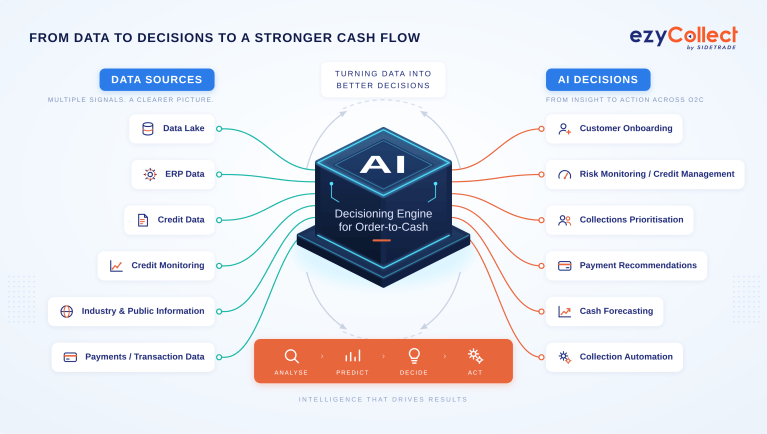 AI in Order-to-Cash: What It Actually Does for Accounts Receivable (and What’s Really Changed) Featured · 18 Sep 2026
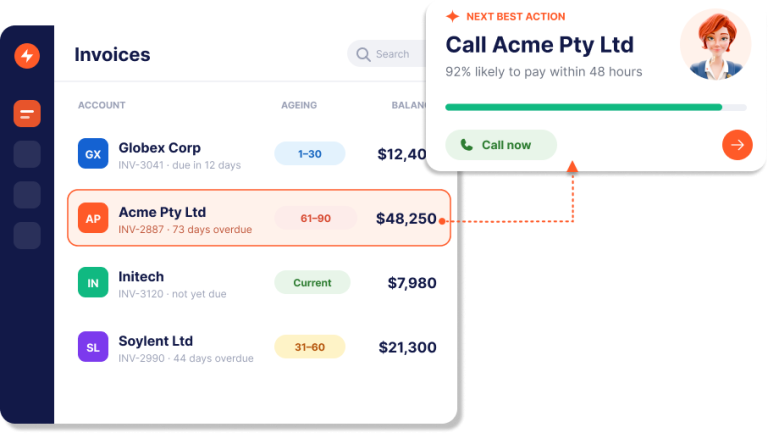 Chase Smarter. The AI trained on $8.8 trillion in B2B payments, now in your team’s corner.Blog · 12 Jun 2026